How to Use the Filter of Searching Result?
After scanning, you can filter and sort the duplicate results to find specific files quickly.
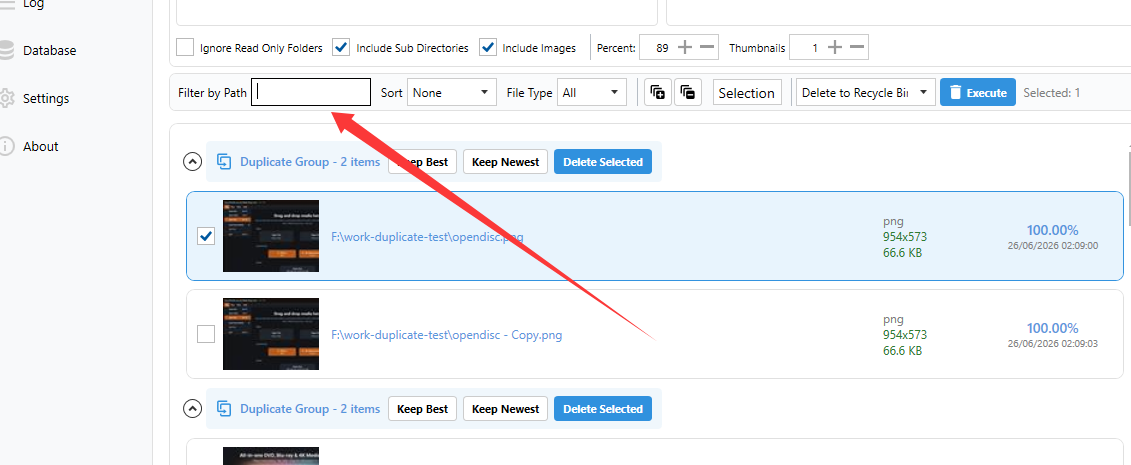
Filter by Path
Type a keyword or folder path into the Filter by Path box. Only groups containing the keyword will remain visible.
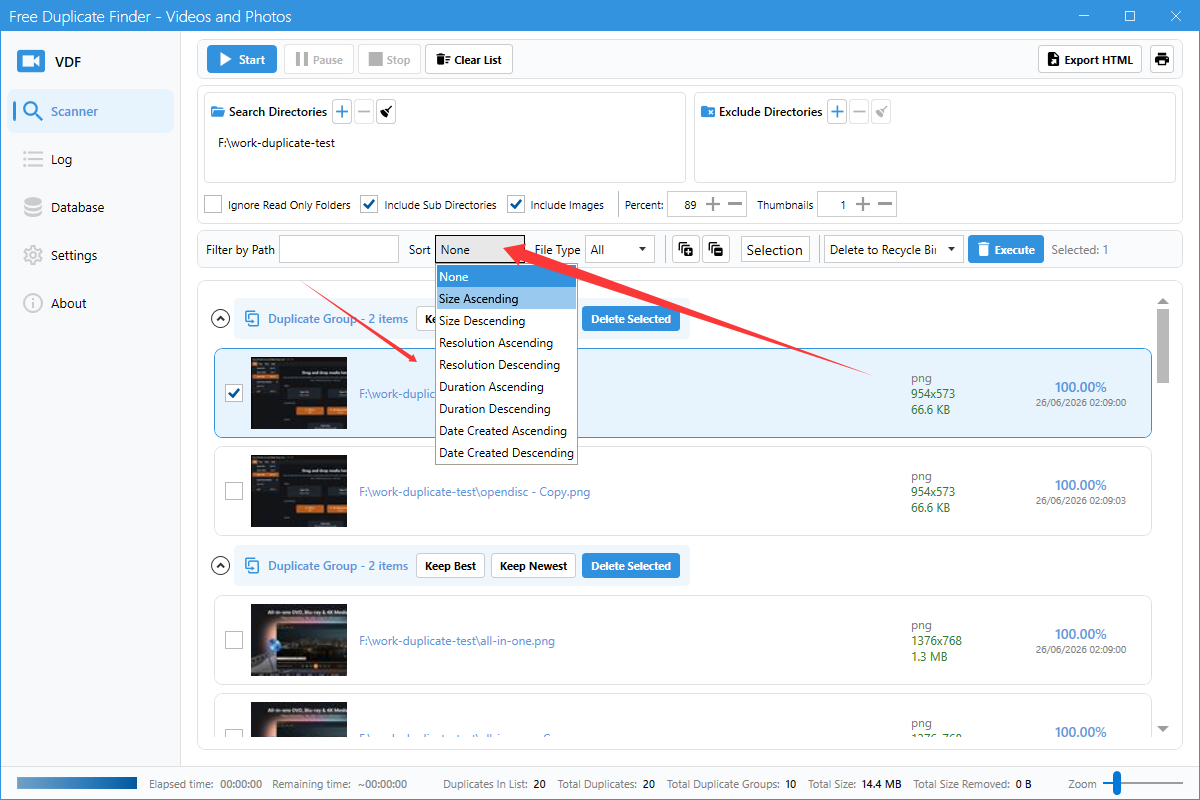
Sort
Use the Sort dropdown to order results by criteria such as name, size, or duration.
File Type
Use the File Type dropdown to show only videos, only images, or all files.
Export results
Click the Export HTML button to save the current duplicate report as an HTML file.
Tips
- Combine filters to narrow down large result sets.
- Use Export HTML to back up your scan report before deleting files.