How to Quick to Select the Items to Delete?
After the scan, each duplicate group is listed. You can select files manually or use the built-in selection rules.
Manual selection
Click the checkbox next to each file you want to remove. We recommend keeping at least one file in each group.
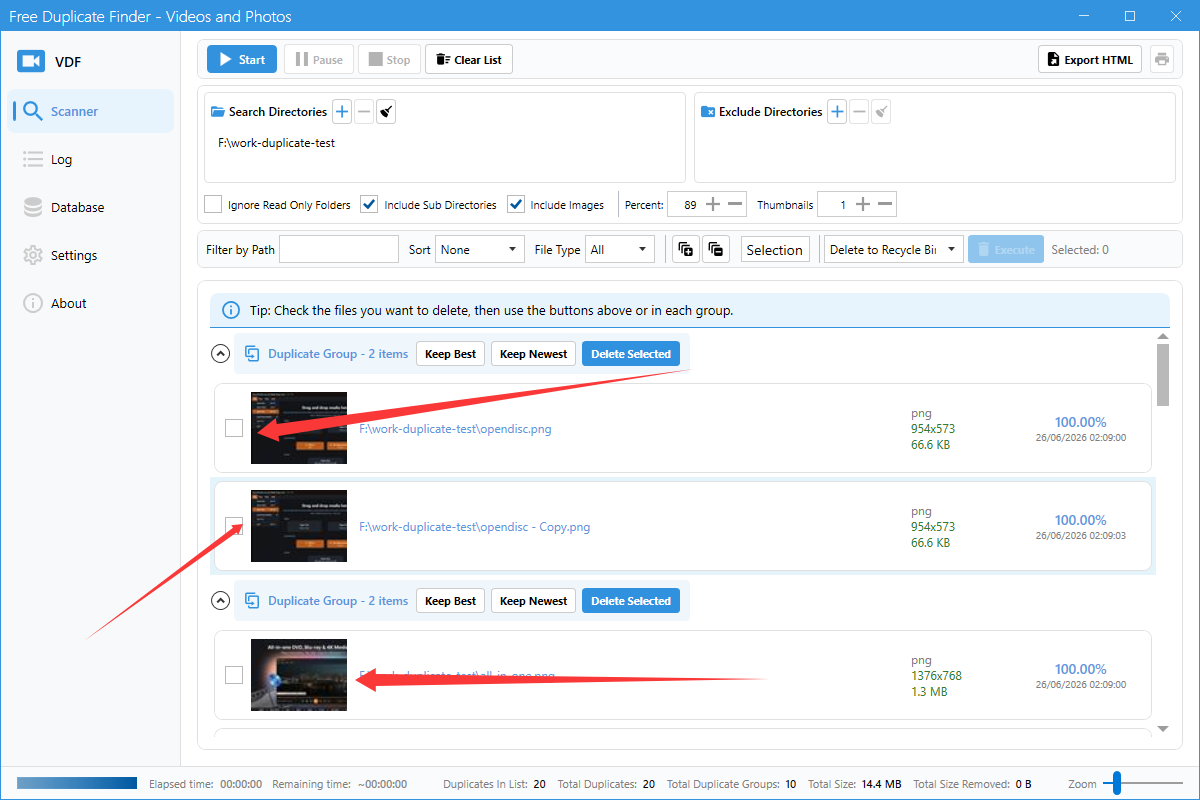
Selection menu
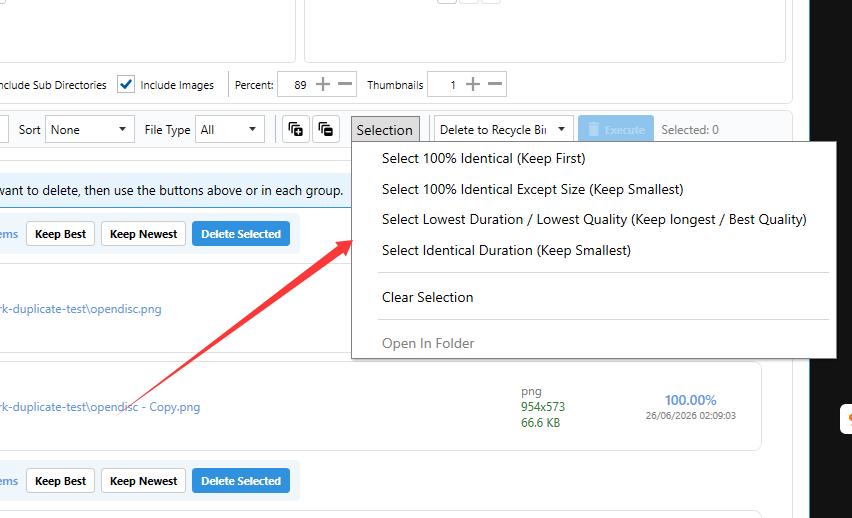
Click the Selection dropdown to apply automatic rules:
- Select 100% Identical (Keep First): Select duplicates that are exactly the same, keeping the first file.
- Select 100% Identical Except Size (Keep Smallest): Select duplicates that match except for file size, keeping the smallest.
- Select Lowest Duration / Lowest Quality (Keep Longest / Best Quality): Select lower quality versions, keeping the best one.
- Clear Selection: Uncheck all selected files.
Tips
- Review selected files before deleting.
- Use the preview/thumbnail to confirm which file to keep.