How to Exclude Sub Derectories?
You can exclude specific folders from the scan so they are not searched for duplicates.
Step 1: Open the Scanner tab
Make sure you are on the Scanner tab.
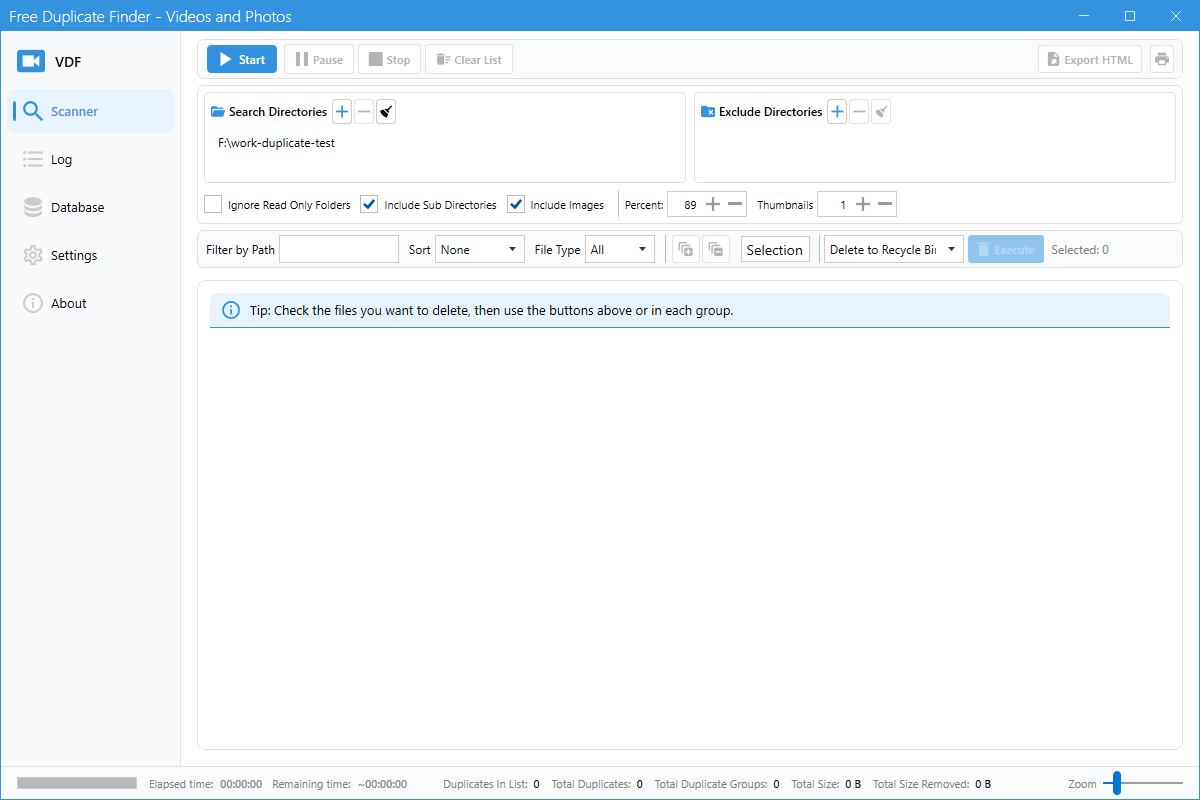
Step 2: Add folders to Exclude Directories
In the Exclude Directories box, click the + (Add) button and select the folder you want to skip.
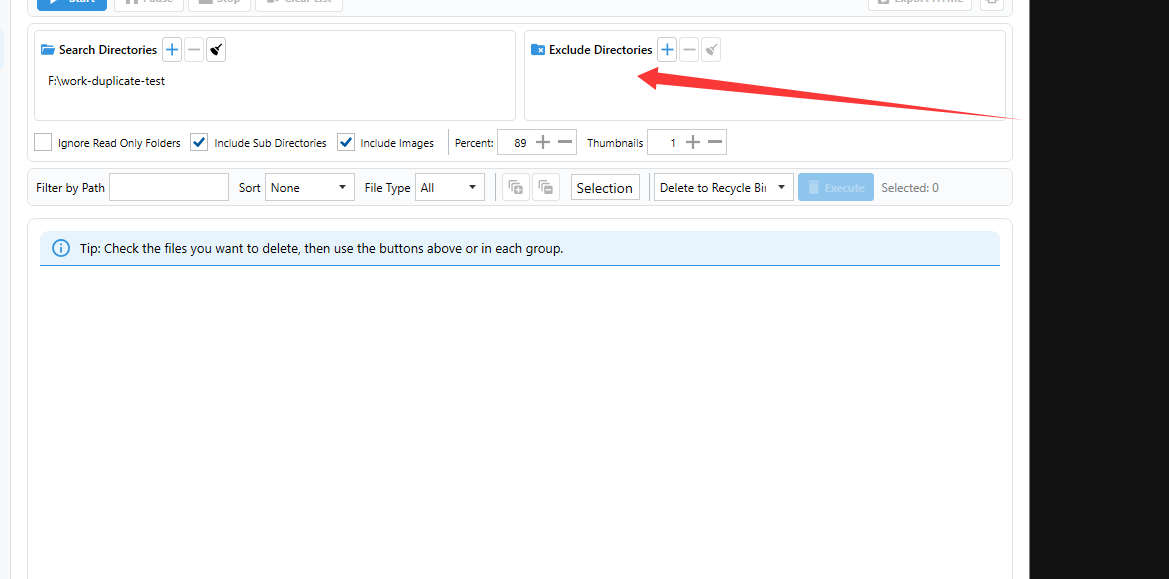
Step 3: Manage excluded folders
To remove an excluded folder, select it in the list and click the - (Remove) button.
When to use
- Skip backup folders that contain copies on purpose.
- Avoid scanning system or temporary folders.
- Speed up the scan by ignoring large irrelevant directories.