
How to Split PDF
如何拆分 PDF
Extract specific pages or split a PDF into multiple files by page ranges.
提取指定页或将 PDF 按页范围拆分为多个文件。
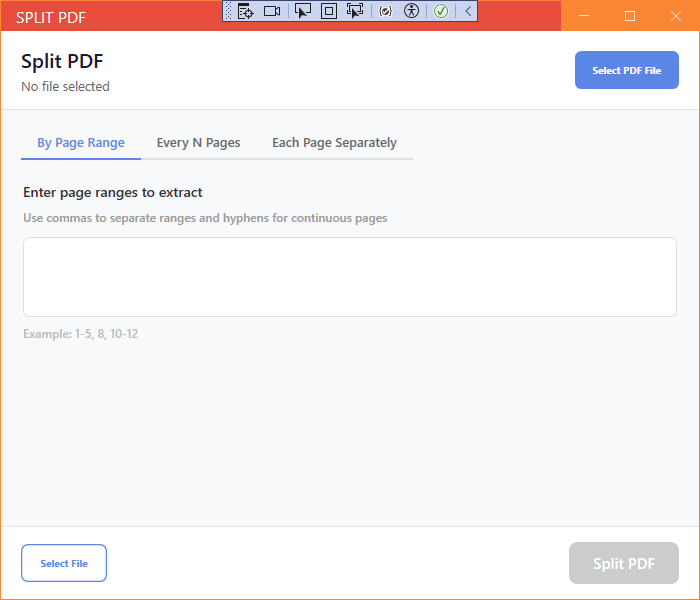
New UI
新版界面
- Open Split PDF from the PDF Tools section.
- Click Add Files and select the PDF file.
- Define the page ranges to split, e.g. 1-3, 4-6.
- Choose the save folder.
- Click Start to split the file.
- 在 PDF 工具区域打开拆分 PDF。
- 点击添加文件选择 PDF 文件。
- 设置拆分页范围,如 1-3、4-6。
- 选择保存文件夹。
- 点击开始拆分文件。
Classic Mode
经典模式
- In Classic Mode, click the corresponding card on the home page, add your files, set options if needed, and press Start.
- 在经典模式中,点击主页对应卡片,添加文件,按需设置选项后点击开始。
Tip: You can split a PDF into single pages by setting each range to one page.
提示:将每个范围设为单页即可把 PDF 拆分为单页文件。